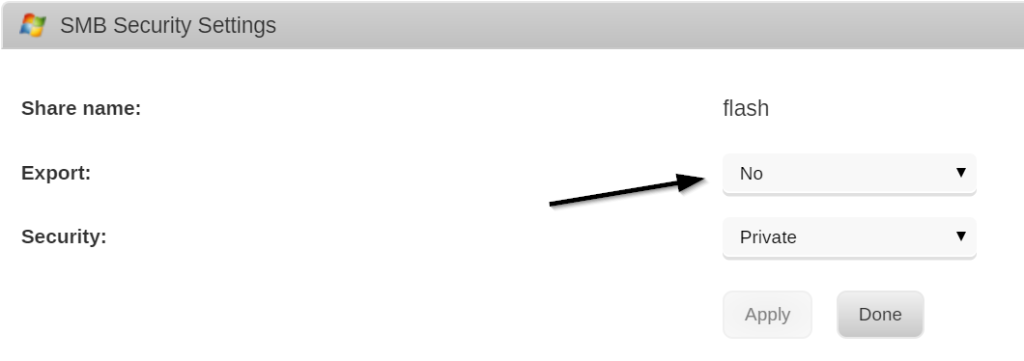
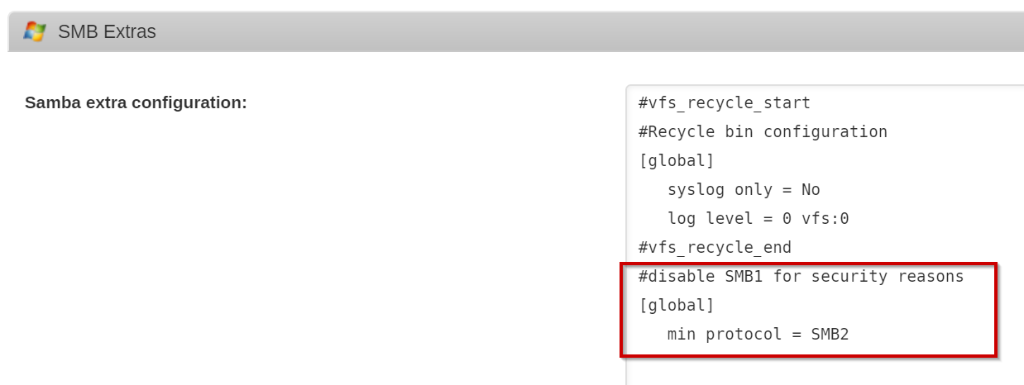
Because I was turning my Windows 10 Pro server into an Linux (unRAID) machine I already had a Windows installation running on the bare metal that I had spent a fair bit of time setting up. I didn’t want to lose that installation and the work put into it. So, rather than starting over with a fresh Windows installation I took the operating system that was already installed, copied it, and started running it as a virtual machine (VM). Here are the steps I took to convert that Windows installation into a functioning VM.
Most of these steps come from the well-written unRAID Manual on Physical to Virtual Machine Conversion – the main thing I add in here are the Windows-specific steps for reducing the size of the virtual machine image.
They’re also useful for anyone running KVM as a hypervisor – not just specific to unRAID.
Before you begin
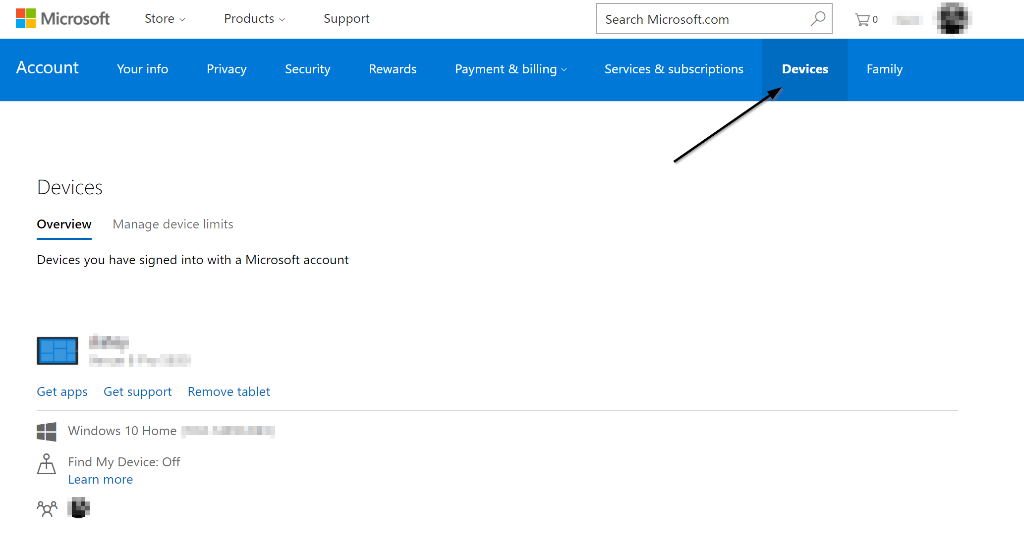
- Makes sure you have access to your Windows license. If you upgraded from Windows 7 or 8 to Windows 10 for free this is really important. If you haven’t already, follow the steps here in “Before you shutdown Windows”.
- Your hardware must be capable of processor virtualization (Intel VT-x or AMD-V), and it must be enabled in your BIOS. Depending on what you plan to do with your VM, you may need to meet other hardware requirements.
- unRAID must have VMs enabled and configured. An important step here is to download the VirtIO Drivers ISO
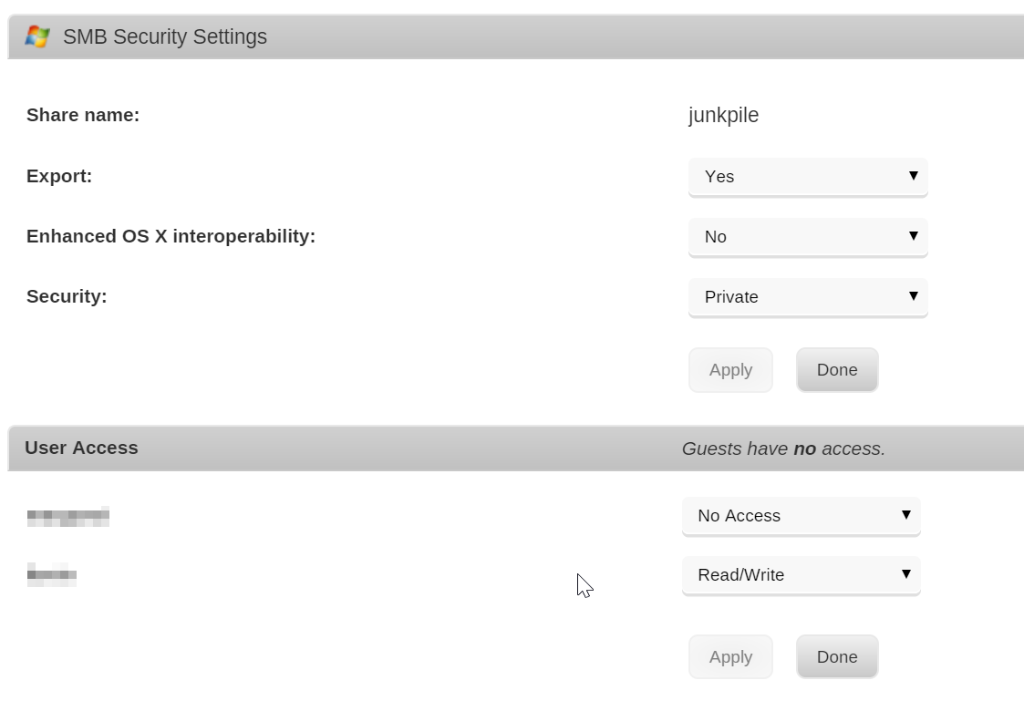
- unRAID needs to have User Shares created to hold the virtual machine images; by default, these are created for you by a new installation at /mnt/user/domains/
- Check to make sure that your User Share (above) has enough room for the full size of your Windows Operating System hard drive. You’re going to copy the entire hard drive including the empty space.
By default, most of these things were done already on my machine, but it’s good to check them before proceeding.
Add a new Virtual Machine
From your unRAID web UI (e.g. http://tower), perform the following steps.
- On the VMs tab, click the Windows 10 template (or template for your version of Windows).
- Click on the switch for the Basic View to toggle it to the Advanced View (in the upper-right corner of the screen) if it isn’t already set.
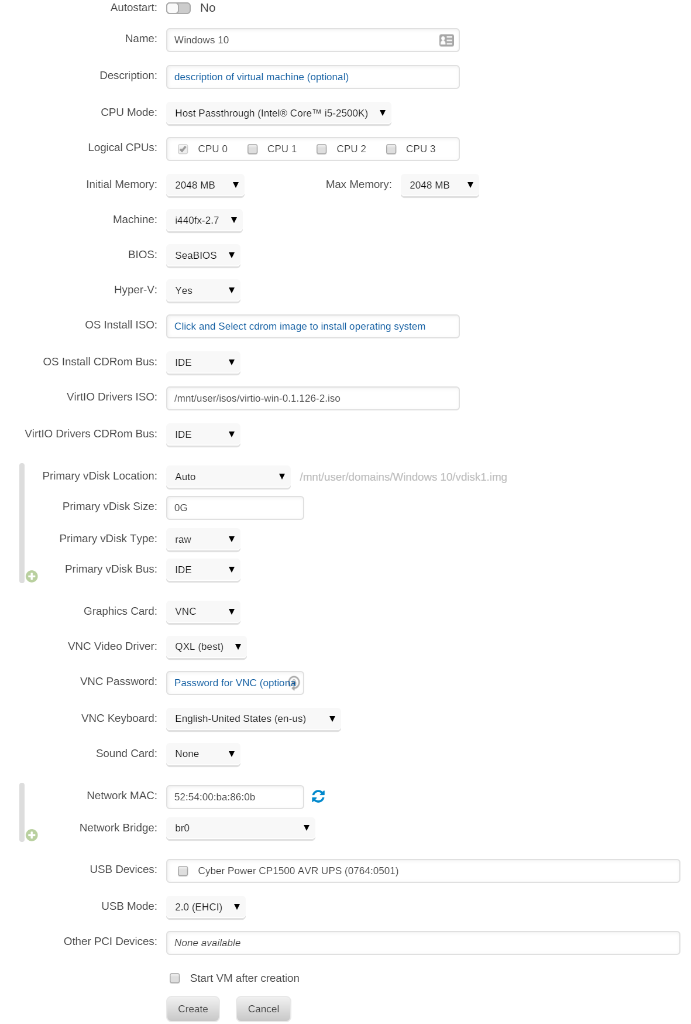
- Configure the VM with the following settings:
- Name your VM whatever you wish: For this example, I’m using “Windows 10”
- CPU Mode: Host Passthrough
- Logical CPUs: However many you wish (at least one)
- Initial Memory / Max Memory: at least 2GB is recommended
- Machine: i440fx-* (whatever the newest is)
- BIOS: SeaBIOS
- Hyper-V: Yes
- OS Install ISO: Leave empty
- VirtIO Drivers ISO: Select the virtio-win*.iso that (should have been) downloaded as part of enabling VMs on unRAID.
- VirtIO Drivers CDRom Bus: IDE
- Primary vDisk Location: Auto
- Primary vDisk Bus: IDE
- Primary vDisk Type: raw
- Primary vDisk Size: 0G (You’ll be overwriting this file in the next step)
- Graphics Card: VNC
- VNC Video Driver: QXL
- VNC Password: Set it if you’d like – this is how you’ll access the ‘screen’ of the running VM
- VNC Keyboard: Set to the right language for your OS
- Sound Card: None (or select one if your device supports passthrough)
- Network MAC: this is set randomly, though you can change it.
- Network Bridge: br0
- USB Devices: I recommend leaving all unchecked for now.
- USB Mode: 2.0 (EHCI) is what I found worked for me.
- Other PCI Devices: I recommend leaving all unassigned until you confirm the VM launches correctly.
- Uncheck Start VM after creation
- Hit Create.
Copy the OS Drive to an image
Next up, you need to copy the data from your OS drive to an virtual disk image that the VM can boot off of.
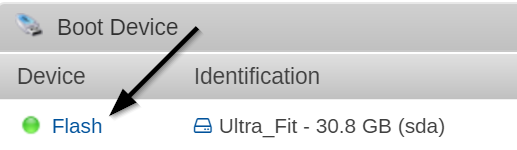
- Identify the disk that contains your Windows Operating System. You can find it by looking in the unRAID web UI in the Main tab under Unassigned Devices. Look for the drive that you booted windows off of before you installed unRAID. Make note of the disk id (e.g. sdb, sdc, sde, etc.)
- SSH into your unRAID system as root. By default unRAID doesn’t have a root password, but you should have set a strong one by now… right?
- Enter the following command to convert the physical disk
qemu-img convert -p -O raw /dev/sdX /mnt/user/domains/Windows\ 10/vdisk1.img
- Replace sdX with the drive id for your Windows OS installaton
- Replace Windows\ 10 with the name you gave your Virtual Machine (if you need to see what it is run the ls /mnt/user/domains command to see what it’s name is on disk)
- Wait. It’ll take a while, assuming you have a reasonably large OS installation disk.
Start your Windows VM & Install the VirtIO Drivers
Because Windows is now running as a Virtual Machine on KVM, it will think there is new “hardware” and will require (and benefit from) having the right drivers installed.
- In the unRAID VMs tab, click on your newly created VM and click Start
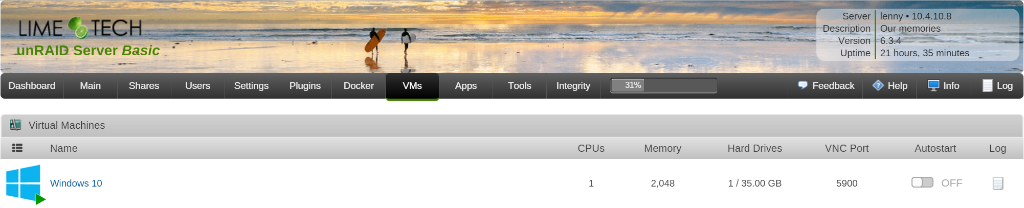
- After the VM has started, you can VNC into the machine and interact with it. You can do this one of two ways.
- Click on the running Windows VM and select “VNC Remote”
- (Preferred) Install a VNC client like TightVNC and connect to the VM directly. To do so, you’ll need to know the IP address of your server and connect to the VNC port of the VM (which is listed next to the running VM)
- In Windows File Explorer, navigate to the VirtIO virtual CD-Rom (likely disk D:\)
- Navigate to Balloon > w10 > amd64
- Or your specific version of Windows and Architecture
- Right click on the .inf file (i.e. balloon.inf) and click install. (You may need to enable the viewing of file extensions to find the right file)

- Repeat the above process for each of the following folders
- NetKVM
- vioserial
- viostor
- You may want to check Windows Device Manager to make sure there are no devices which have yellow warning exclamations next to them – if so, you’ll likely need to install an additional driver.
- When done with the driver installation, navigate to the guest-agent folder and double click on qemu-ga-x64.msi to install the QEMU/KVM guest agent.
Shutdown the VM & update disk settings
Now that you know that the VM boots and you’ve got the drivers installed, you can stop the VM and update the physical disk to use the VirtIO bus which will give you better performance.
- Stop the Windows VM. You can do this one of two ways – one, by initiating a Shutdown from within Windows. Or, you can click on the VM image in unRAID and select Stop which will also gracefully shut down Windows.
- In the unRAID web UI, in the VMs tab, select the Windows VM and select Edit
- Change the following settings:
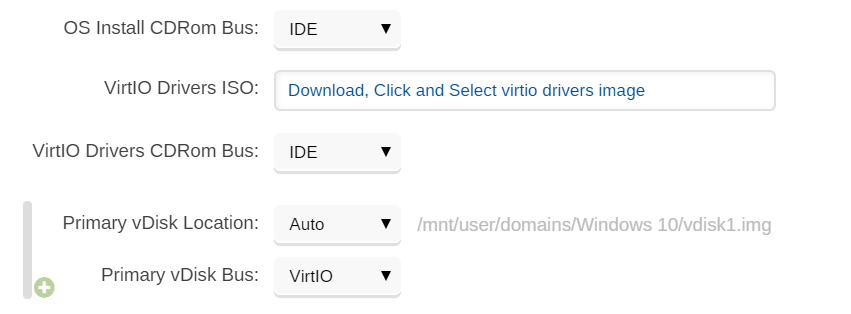
- Primary vDisk Bus: VirtIO
- VertIO Drivers ISO: delete the entry
- Restart the VM and make sure it’s operating correctly.
Reactivate your Windows license
Windows checks it’s license validity based on your machine’s hardware. Any time you change the hardware, Windows needs you to reactivate your license. You’ll need to run through the activation steps in the VM to re-activate your Windows license because Windows will think you just changed a lot of hardware.
To do that, search for “Activation” from the Windows 10 Start menu. From there, you should be able to follow the prompts to activate your copy of Windows. Somewhere along the way, in smallish font, it’ll ask you if you recently changed hardware. Click that option and go from there – i.e. log into your Microsoft Account, select the machine/license associated with this Windows installation.
(Optional) Remove Unneeded Software & Drivers
Because your old Windows machine had a lot of device specific drivers installed on it to operate on your hardware, you may have a lot of cruft that can now be removed. Log into your Windows machine and take a stroll through the “Add or Remove Programs” menu to see if there’s anything that can be removed. For me, I could uninstall any Intel and RealTek Drivers, ASUS motherboard features, etc. that were no longer relevant. It’s a nice thing to slim up the now VM’d Windows OS.
(Optional) Optimize the Window VM
The unRAID wiki has a good set of steps to consider to optimize your Windows VM. I personally don’t believe in disabling the search indexer, but most of the other tips are worth while.
(Optional) Reduce / Shrink the size of the VM image
Now, you’re probably saying to yourself… geez, I don’t need a XXX GB image file that just happened to be the size of your old OS hard drive just to run Windows. You probably want to slim that down. Here’s instructions on exactly how to do that.
Let me know if I missed anything here.